
Last updated November 4, 2026
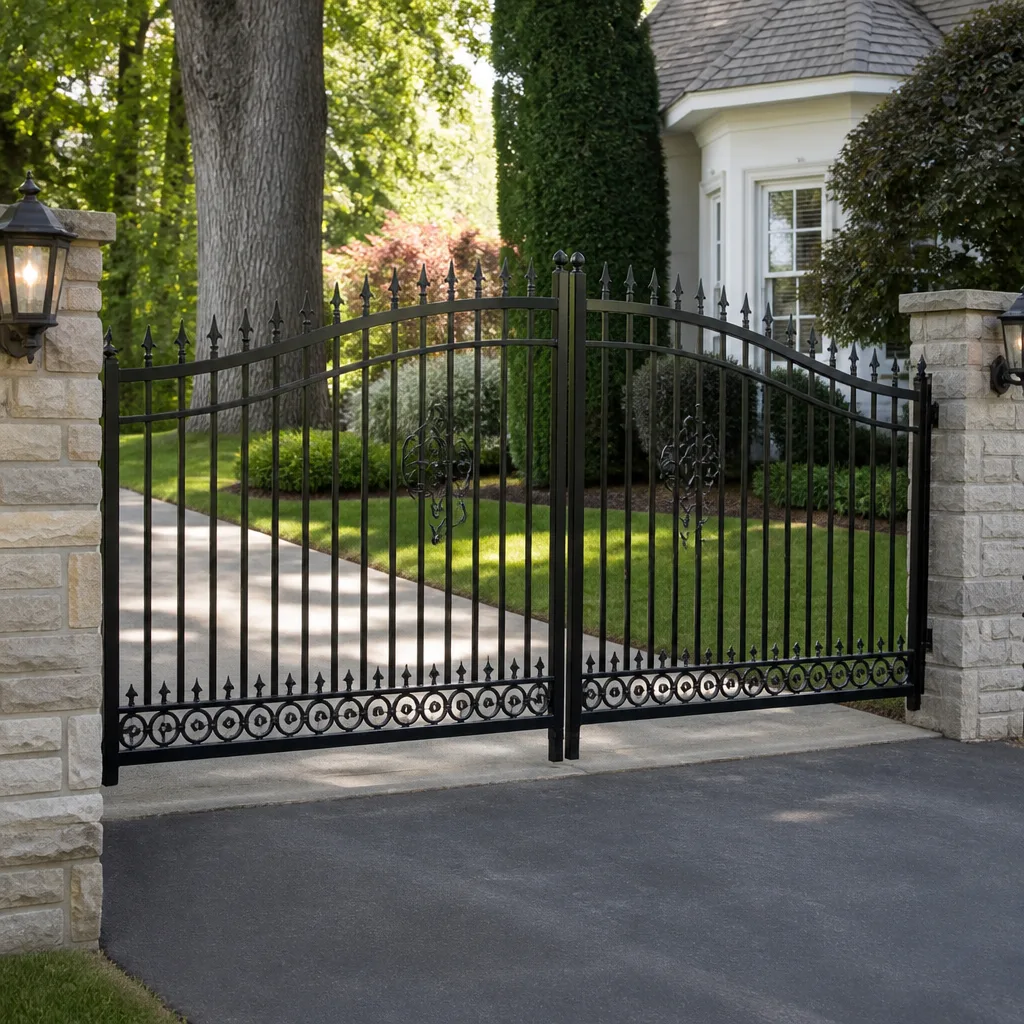 Wrought iron
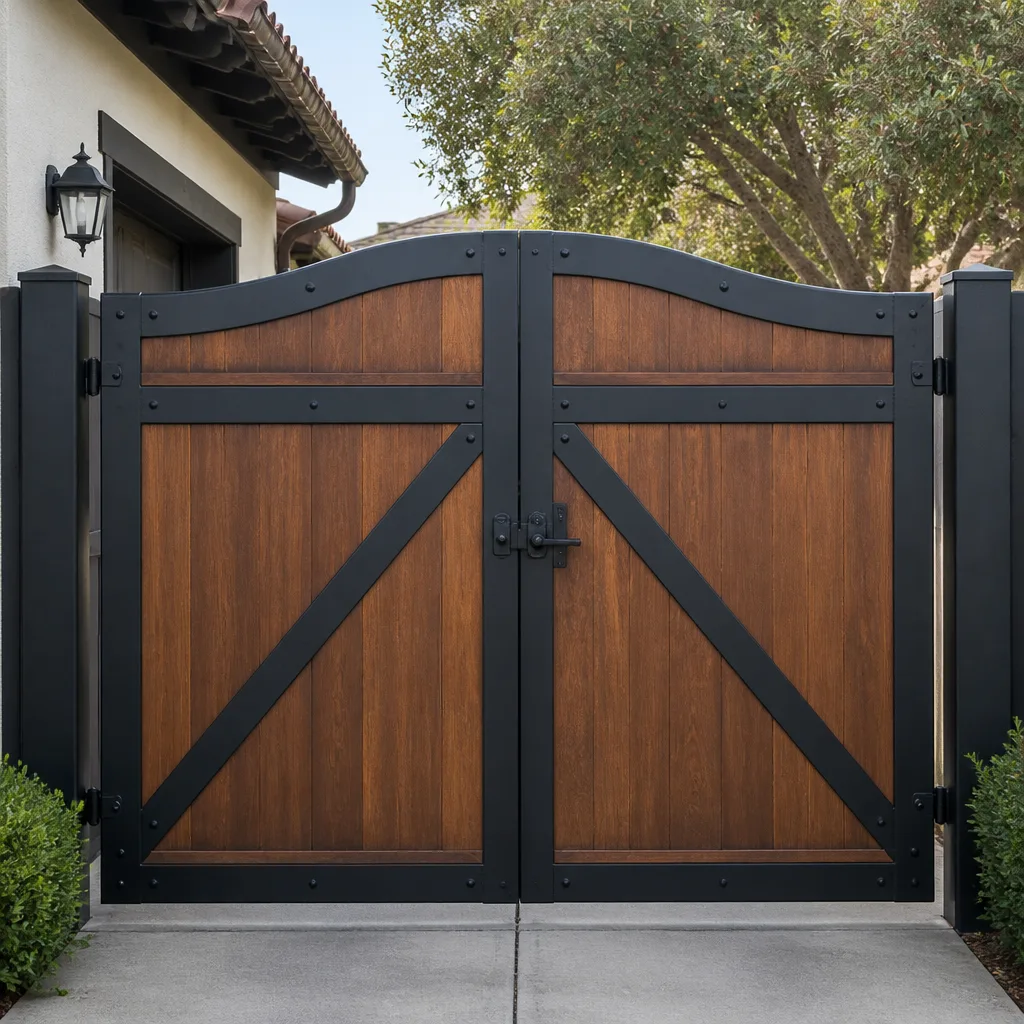 Wood & steel frame
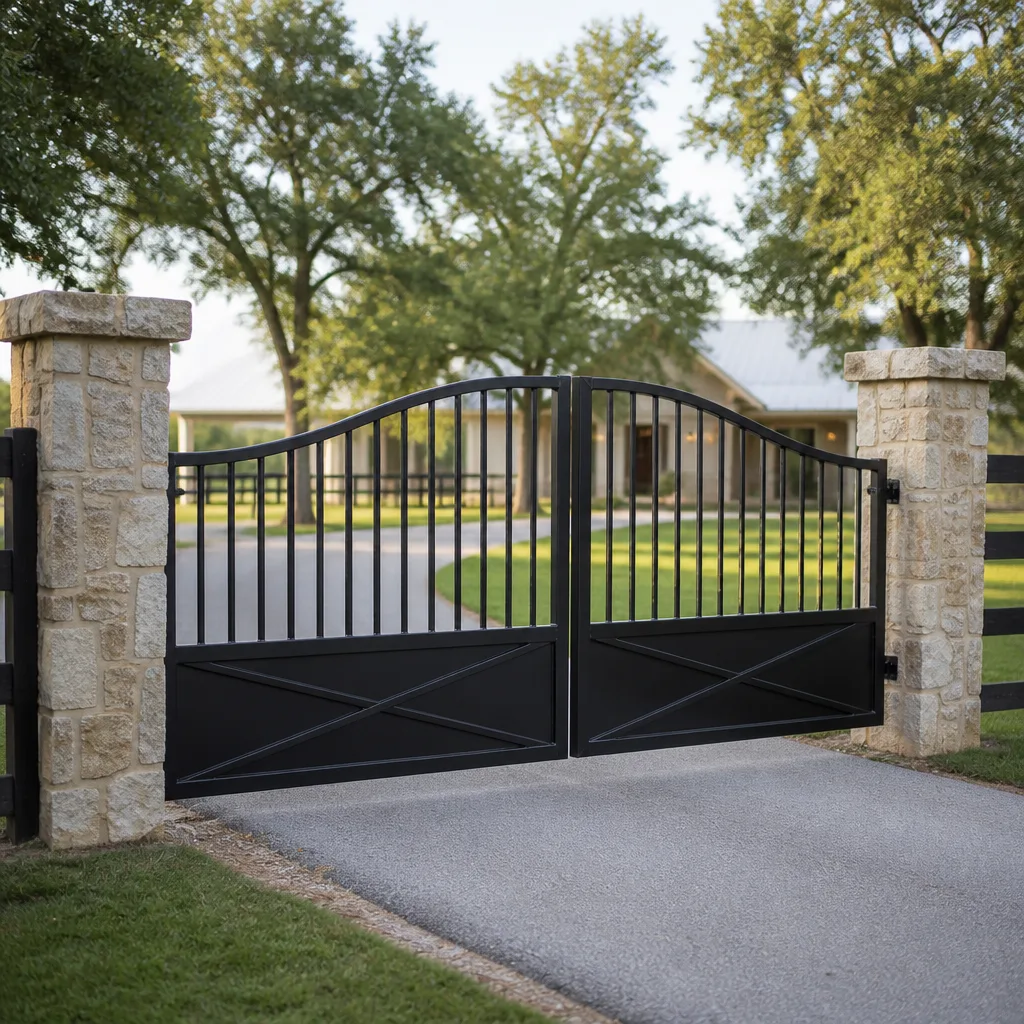 Farm & ranch
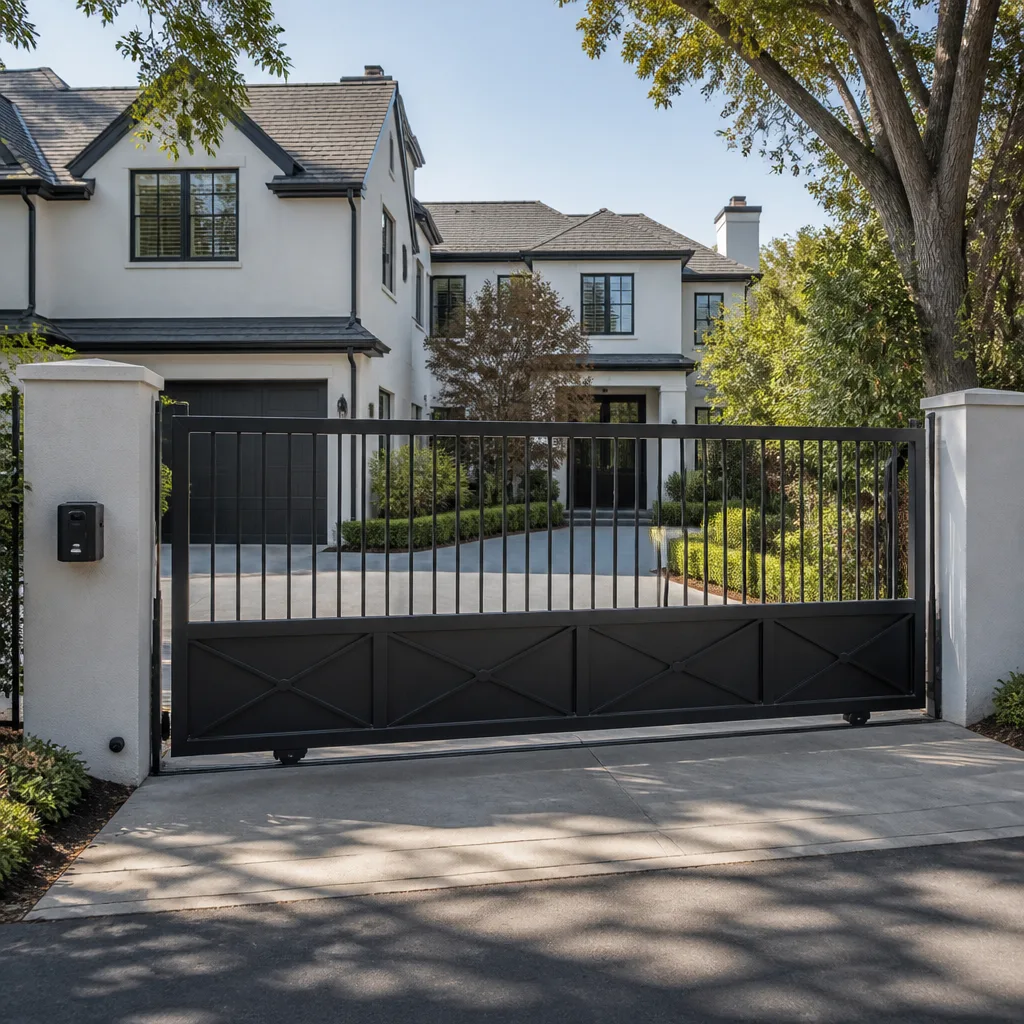 Sliding driveway gates
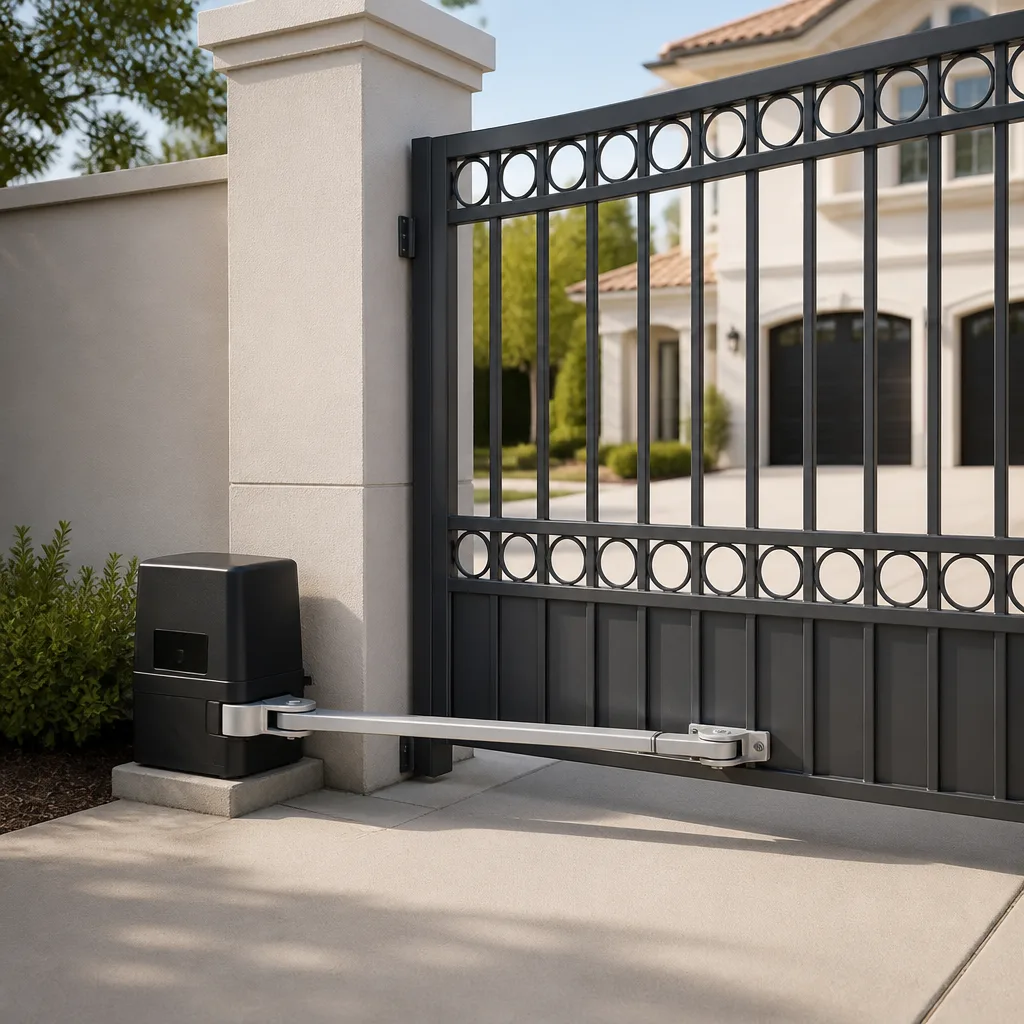 LiftMaster operators
Free on-site gate assessment - hinges, posts, and your LiftMaster or Nice gate operator checked before anything is quoted
The assessment is free and the quote is the invoice.
Get your free estimateGate Repair Troubleshooting in Vista: Common Problems and How to Fix Them
The gate that “just stopped working” almost never stopped without warning. Homeowners just didn’t know what the warning signs sounded like. A grinding noise at 7am, a hesitation before the arm lifts, a remote that only works from fifteen feet away instead of forty. In Vista, where gate systems handle daily use from homeowners, delivery trucks, landscapers, and property managers, small symptoms compound quickly. This guide maps the symptoms to the four root causes behind most gate failures, so you can decide whether a $12 can of lubricant or a service call is the right next step.
Quick Answer
Most gate repair problems in Vista fall into four categories: power supply issues, mechanical wear, operator failure, or sensor misalignment. Start by checking whether the gate has power, listen for what sound it makes when you press the button, and inspect the track and hinges. If the gate is silent, check the breaker and the operator’s power switch first. If it grinds or clicks but doesn’t move, the mechanical or electrical diagnosis branch applies. We’ll walk through each branch below.
Styles & brands we work with
- Wrought iron
- Wood & steel frame
- Farm & ranch
- Sliding driveway gates
- LiftMaster operators
Table of Contents
- Symptom-First Diagnostic Tree: What the Noise Tells You
- Why Vista’s Climate and Soil Change the Failure Points
- Operator Failure vs. Mechanical Failure: Stop Guessing
- DIY-Safe Fixes and the Ones That Aren’t
- What to Document Before You Call a Repair Company
- Brand-Specific Notes: Ghost Controls, DoorKing, Elite, Mighty Mule
- Common Mistakes to Avoid
- When to Call a Professional
- Frequently Asked Questions
Symptom-First Diagnostic Tree: What the Noise Tells You
Every gate problem announces itself with a symptom. The key is knowing which symptom branches to which likely cause. Here’s the diagnostic tree we use at Sterling Gate Repair when a homeowner in Vista calls about a malfunctioning gate.
Branch 1: Complete Silence When You Press the Button
If the gate makes no noise at all, the problem is almost always power-related. Check these in order:
- Breaker panel. Gate operators run on a dedicated circuit in most Vista homes. If the breaker tripped, reset it once. If it trips again, stop. That’s a short or overloaded circuit, not a breaker being finicky.
- Operator power switch. Many operators have an on/off switch on the side or inside the control box. Someone may have switched it off during landscaping or yard work without realizing it.
- GFCI outlet. If the operator plugs into a GFCI outlet, press the reset button on the outlet itself.
- Remote batteries. Replace the remote battery before assuming the operator is dead. It costs a few dollars and rules out the simplest cause.
If all four check out and the gate is still silent, you’re likely looking at a failed control board, a burned transformer, or a wiring fault. That’s a service call, not a DIY project. Electric gate systems carry line voltage, and troubleshooting a circuit board without training creates a shock risk and can destroy the board entirely.
Branch 2: Clicking Sound But No Movement
A click tells you the operator is receiving the signal and attempting to start. The failure is either mechanical binding or a failed capacitor. If the click comes from the operator and the gate shudders slightly but doesn’t move, a mechanical obstruction or worn drive component is likely. If the click is consistent and the gate doesn’t respond at all, the capacitor that starts the motor may have failed. Capacitor replacement is a common repair on residential operators like Mighty Mule and Ghost Controls units that have seen several years of Vista use.
Branch 3: Grinding or Scraping Noise
Grinding points to mechanical wear. The most common causes:
- Worn gear teeth inside the operator. This happens gradually and the noise gets worse over weeks, not days.
- Debris in the track. Vista’s sandy soil and the leaves from eucalyptus and pepper trees work their way into slide-gate tracks. A track full of grit makes the gate sound like it’s chewing rocks.
- Dry or worn hinge bearings on a swing gate. Metal-on-metal contact produces a groan or scrape.
If the gate still opens and closes but sounds rough, address it early. The cost of lubricating and adjusting is far lower than replacing a burned-out motor that’s been fighting resistance for months.
Branch 4: Gate Starts, Then Reverses
A gate that starts moving and immediately reverses is usually a sensor or safety-edge issue, not a motor problem. The system detects an obstruction that may not exist. This can be triggered by sunlight hitting the photo eyes at certain angles (common on west-facing Vista driveways in the late afternoon), a misaligned sensor, or a dirty lens. Clean the photo-eye lenses with a dry cloth and verify the sensors point directly at each other. If the problem persists, a limit-switch adjustment or sensor realignment is needed.
Why Vista’s Climate and Soil Change the Failure Points
Generic gate guides written in a national blog rarely mention how local conditions change which parts fail first. Vista sits inland enough that the air is dry most of the year, but the mornings bring heavy marine layer moisture that condenses on metal components. That daily wet-dry cycle accelerates surface corrosion on exposed brackets, hinge pins, and control-box internals that aren’t properly sealed. It’s not salt air, and it’s not the kind of corrosion you’d see on a boat ramp, but it’s enough to shorten the life of cheap hardware.
The soil is the bigger factor. Vista’s decomposed granite and sandy soil is loose and drains fast. That’s good for foundations but bad for gate posts that weren’t set deep enough or with enough concrete. A post that shifts even a quarter-inch changes the gate’s geometry. The hinges bind. The latch stops aligning. The operator works harder. In our experience in Vista, a sagging gate on a driveway with sandy soil is rarely just an operator problem. It’s a post-and-footing problem wearing out everything attached to it.
Temperature swings are mild compared to the high desert, but late summer heat in September and October still takes a toll on capacitors and circuit boards inside unventilated metal operator cabinets. We see more board failures in early fall than any other time of year, often after a stretch of hot days that cooked the internals.
Operator Failure vs. Mechanical Failure: Stop Guessing
The most expensive mistake a homeowner makes is throwing parts at the wrong half of the system. An operator is the motor, control board, receiver, and limit switches. The mechanical side is the gate itself, the hinges, the track, the wheels, the posts, and the chain or belt drive. When a gate stops working, both sides are suspects, but the fix is very different.
Here’s how to tell which side is failing:
Disconnect the Operator
Most operators have a manual release mechanism, often a pull handle or key release on the arm or gearbox. If you disconnect the operator and the gate swings or slides freely by hand, the mechanical side is fine. The problem lives in the operator. If the gate is heavy, sticky, or binding when pushed by hand, the mechanical side is the issue, and no new operator will fix it.
Operator-side failures include:
- Worn gear assemblies in swing-arm operators
- Failed control boards from power surges or moisture ingress
- Receiver failures that prevent the remote from communicating
- Limit-switch drift that causes the gate to stop short or overshoot
- Capacitor failures that prevent motor startup
Mechanical-side failures include:
- Leaning posts from soil movement
- Worn hinge bearings or bent hinge brackets
- Debris-packed slide tracks
- Bent or damaged wheels on cantilever gates
- Chain tension loss on chain-driven slide gates
Misdiagnosing one as the other wastes money. A $40 capacitor is a lot cheaper than replacing a motor that was never the problem. A new operator bolted to a gate with a leaning post will fail again within months. We work on your brand, whether it’s a Gate DoorKing commercial unit or a Mighty Mule residential operator, but the diagnosis always starts the same way: isolate which half of the system failed.
DIY-Safe Fixes and the Ones That Aren’t
Some gate repairs are genuinely safe for a homeowner to handle. Some are absolutely not. Knowing the difference protects you, your warranty, and your gate.
Safe to Do Yourself
- Lubricating hinges and track. Use a dry silicone spray on swing-gate hinges and a light machine oil on slide-gate rollers. Do not use grease on slide tracks; it attracts sandy soil and turns into grinding paste in Vista conditions.
- Cleaning photo-eye lenses. A dry microfiber cloth removes dust and marine-layer residue without scratching the lens.
- Replacing remote batteries. Match the battery type printed inside the remote. It’s usually a coin-cell or A23 battery.
- Clearing track debris. Remove leaves, twigs, and soil from slide-gate tracks. Keep the track clear of the decomposed granite that migrates from adjacent landscape beds.
- Resetting a tripped GFCI or breaker. One reset is fine. Repeated tripping means a real electrical fault, not a nuisance trip.
Not Safe to Do Yourself
- Opening the operator cabinet. Electric gate operators contain line-voltage wiring, exposed terminals, and capacitors that store a charge even after the unit is unplugged. Touching the wrong terminal can cause serious injury. Leave the cabinet closed.
- Adjusting or replacing limit switches. A misadjusted limit switch can overtravel the gate, damaging the operator, the gate, or anything in the path.
- Replacing the drive chain or belt. Tension matters. Too tight and the motor burns out. Too loose and the gate jerks and slams. This is a job for a technician who works on Gate openers specifically.
- Rewiring or splicing any electrical connection. Improper splices corrode, short, and create fire risks. If the wiring is damaged, the repair needs to be done properly and weatherproofed.
- Straightening a leaning post. A post that has shifted needs excavation, re-setting, and proper footing. Attempting to shim or pull a post can crack the concrete or the post itself.
- The operator brand and model. The brand name is printed on the operator cabinet or the remote. Knowing whether you have a Ghost Controls, DoorKing, Elite, or Mighty Mule unit helps the technician bring compatible parts. If you don’t know the model, the brand alone narrows the field.
- The exact symptom. Write down what the gate does and doesn’t do. “It grinds when opening but closes fine” is more useful than “it’s broken.” Note whether the problem is consistent or intermittent.
- What you’ve already tried. If you replaced remote batteries, reset the breaker, or lubricated the hinges, say so. It saves diagnostic time and demonstrates the problem isn’t a simple fix.
- Gate type and size. Swing or slide, single or double leaf, approximate width and height. A 16-foot slide gate and a 8-foot swing gate are very different repair scenarios.
- When the problem started. Was it sudden, or has it been getting worse over weeks? Sudden failures often point to electrical or control-board issues. Gradual declines point to mechanical wear.
- Recent work near the gate. Landscaping, fence work, irrigation installation, or concrete pouring near the gate can all shift posts, cut wires, or knock sensors out of alignment.
- Lubricating the track with grease. Grease attracts Vista’s sandy soil and turns your track into a grinding lane. Use dry lubricants only on tracks.
- Ignoring a slow-responding gate. A gate that hesitates three seconds after you press the button is telling you the receiver, the board, or the power supply is degrading. Waiting until it fails completely turns a minor repair into an emergency replacement.
- Forcing a disconnected gate too hard. If you disconnect the operator and push the gate by hand to test it, push gently. Forcing a binding gate can bend hinges, pop wheels off tracks, or crack a weld.
- Replacing the remote before testing the receiver. If the remote battery is new and the gate still doesn’t respond from a normal distance, the receiver may be failing, not the remote. A technician can test the receiver output directly.
- Adjusting the limit switches without understanding the safety reverse. Limit-switch adjustments affect where the gate stops and how the safety reverse behaves. Adjusting them blindly can override a safety feature or burn out the motor.
- Assuming a gate problem is always the operator. Vista’s sandy soil means post movement is a frequent culprit. Check the post and the hinge before blaming the motor.
What to Document Before You Call a Repair Company
The quality of your first call determines the quality of your first quote. When you call a gate specialist in Vista, they’ll ask questions. Having answers ready shortens the call and gets the right technician dispatched with the right parts.
Before you dial, gather these details:
This documentation doesn’t just speed up the call. It helps you get an accurate written estimate on the first visit rather than a diagnostic visit followed by a second trip for parts. We diagnose the system, electric or manual, and the more you can tell us upfront, the faster we get your gate back in operation.
Brand-Specific Notes: Ghost Controls, DoorKing, Elite, Mighty Mule
We work on your brand. That matters because different manufacturers design their systems with different failure patterns, and a technician who only knows one brand will waste time learning the others on your dime. Here’s what we see from the brands most common on Vista properties.
Ghost Controls
Ghost Controls residential swing and slide operators are popular on Vista homes because they’re straightforward to install and pair easily with remotes and keypads. The most common failure we see is limit-switch drift after a year or two of daily cycling. Symptoms include the gate stopping short of fully open or slamming at the end of travel. The fix is a limit recalibration, which requires opening the control box. This is not a DIY job because you’re working near line voltage and the limit settings interact with the safety reverse.
DoorKing
DoorKing makes commercial-grade slide and swing operators common on small commercial lots and multi-unit properties in Vista. Their gear boxes are built for cycle counts far beyond residential use, but they still wear eventually, especially when the gate itself is out of balance and the operator has been compensating. The symptom is usually a rhythmic grinding noise during travel that gets louder under load.
Elite
Elite slide gate operators are known for being serviceable and rebuildable, which is good news for long-term repair economics. The most common issue is chain tension loss on chain-drive models. The chain develops slack over time, and the gate starts jerking or banging at the start of travel. Tension adjustment is straightforward but requires knowing the correct spec for the specific chain size.
Mighty Mule
Mighty Mule units are widely installed on residential gates in Vista as an entry-level automation option. The weakest point on Mighty Mule operators is the plastic gear assembly inside the operator arm. Repeated overloads from a heavy gate, a misaligned hinge, or a post that’s drifted will strip the plastic gears. Once the gears strip, the operator makes a clicking noise but won’t move the gate. Repair involves replacing the gear set, but it’s worth asking whether the underlying gate problem needs correction first. Replacing the gears without fixing the load issue just sets up the same failure again.
Common Mistakes to Avoid
When to Call a Professional
Call a professional when the gate makes no noise and basic power checks fail, when it reverses immediately without an obstruction, when grinding noise persists after track cleaning and lubrication, or when you see visible post lean or hinge damage. These symptoms indicate problems that require hands-on diagnosis with equipment and training. Electric gate repair involves line voltage, and a mistake can destroy the operator or injure you. Sterling Gate Repair offers free estimates in Vista. Call (855) 773-5055. We answer 24/7. Fast dispatch from 7am to 7pm, Sunday through Friday.
Frequently Asked Questions
Gate repair in Vista typically runs between $150 and $400 for common fixes like sensor realignment, limit-switch adjustment, or capacitor replacement. Full operator replacements range from $700 to $2,500 depending on the brand and whether it’s a slide or swing gate. Mechanical repairs like hinge replacement or post resetting cost $300 to $1,200 depending on the size of the gate and the access conditions. Get a written estimate before any work begins. Call (855) 773-5055 for an exact quote for your gate, and estimates are free.
In most cases, yes. We dispatch technicians from 7am to 7pm, Sunday through Friday, and many common repairs like sensor alignment, remote programming, and capacitor replacement are completed same-day. If your gate needs a part we don’t have on the truck, we quote the repair and schedule the follow-up visit. Call (855) 773-5055 and we’ll tell you what the day looks like for dispatch.
A gate that reverses without an obstruction usually has a misaligned photo eye, a dirty sensor lens, or sunlight interference on the photo-eye receiver. Clean the lenses and check that both sensors face each other directly. If the problem persists, the limit switch or safety-edge wiring may need adjustment or replacement.
Yes. We work on both slide and swing gates, including cantilever slide gates, chain-drive slide gates, single-leaf and double-leaf swing gates, and their associated operators. From installation to long-term repair covers the full life of your gate system.
Often, yes. If the existing gate is structurally sound and moves freely when disconnected, replacing the operator is a clean solution. Before recommending a new operator, we test the gate under manual operation to confirm it’s not the mechanical side that’s the problem. Replacing an operator on a gate with a leaning post or worn hinges just transfers the strain to the new unit.
We service LiftMaster, FAAC, BFT, Linear, Viking, Ghost Controls, DoorKing, Elite, and Mighty Mule operators. If your gate has a different brand, ask when you call. We diagnose the system, not just the label, but brand-specific familiarity means faster repair on the units we see most often in Vista.
The Bottom Line
Most gate problems in Vista trace back to four root causes: power supply failures, mechanical wear, operator-component failure, or sensor misalignment. Learn the diagnostic tree. Listen to the noise. Check the simple things first. Disconnect the operator to isolate mechanical from electrical. Clean the track and the photo eyes before assuming the worst. Document what you find before you call. And when the fix is beyond safe DIY, call a gate specialist who works on your brand, not a generalist who will figure it out on site. Gate specialists, not generalists, is the difference between a repair that lasts and one that returns in six months.
Written by the team at Sterling Gate Repair, serving Vista since 2015.
See the difference
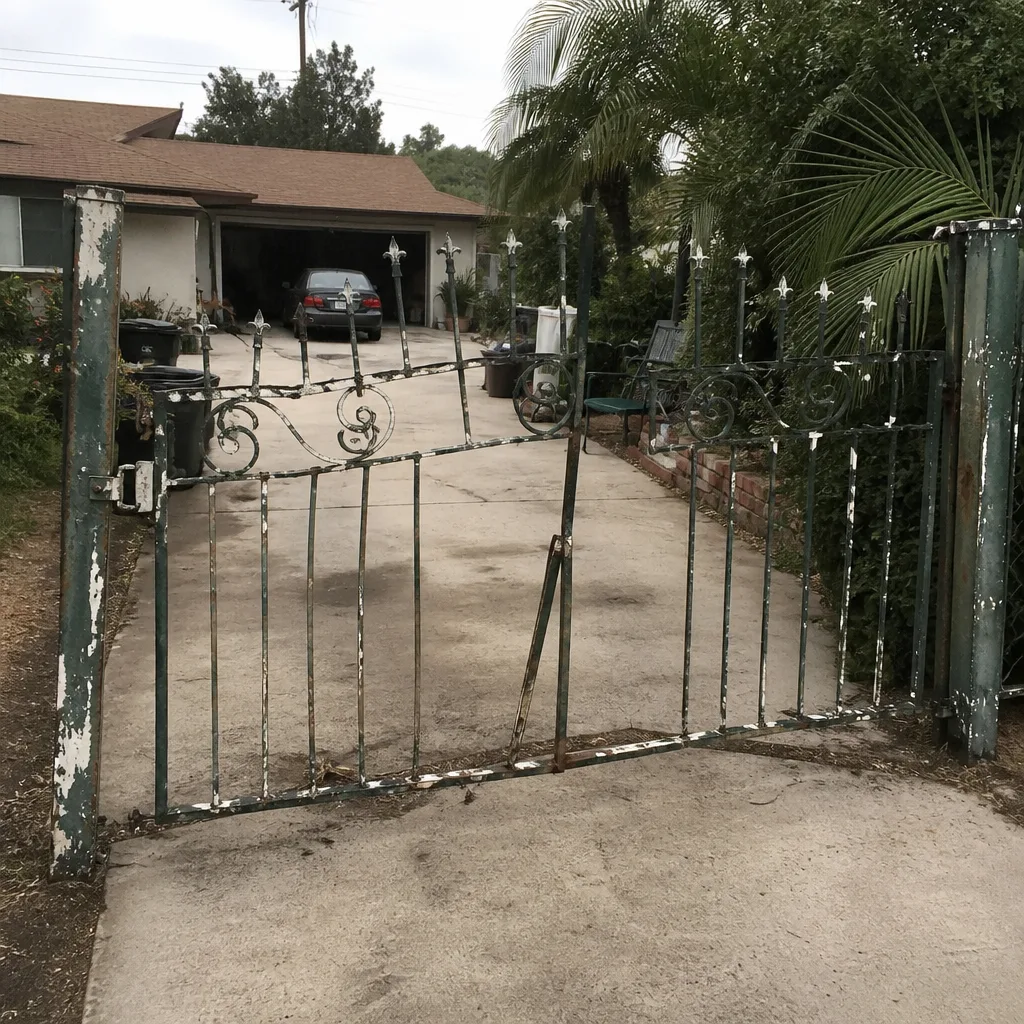 Before
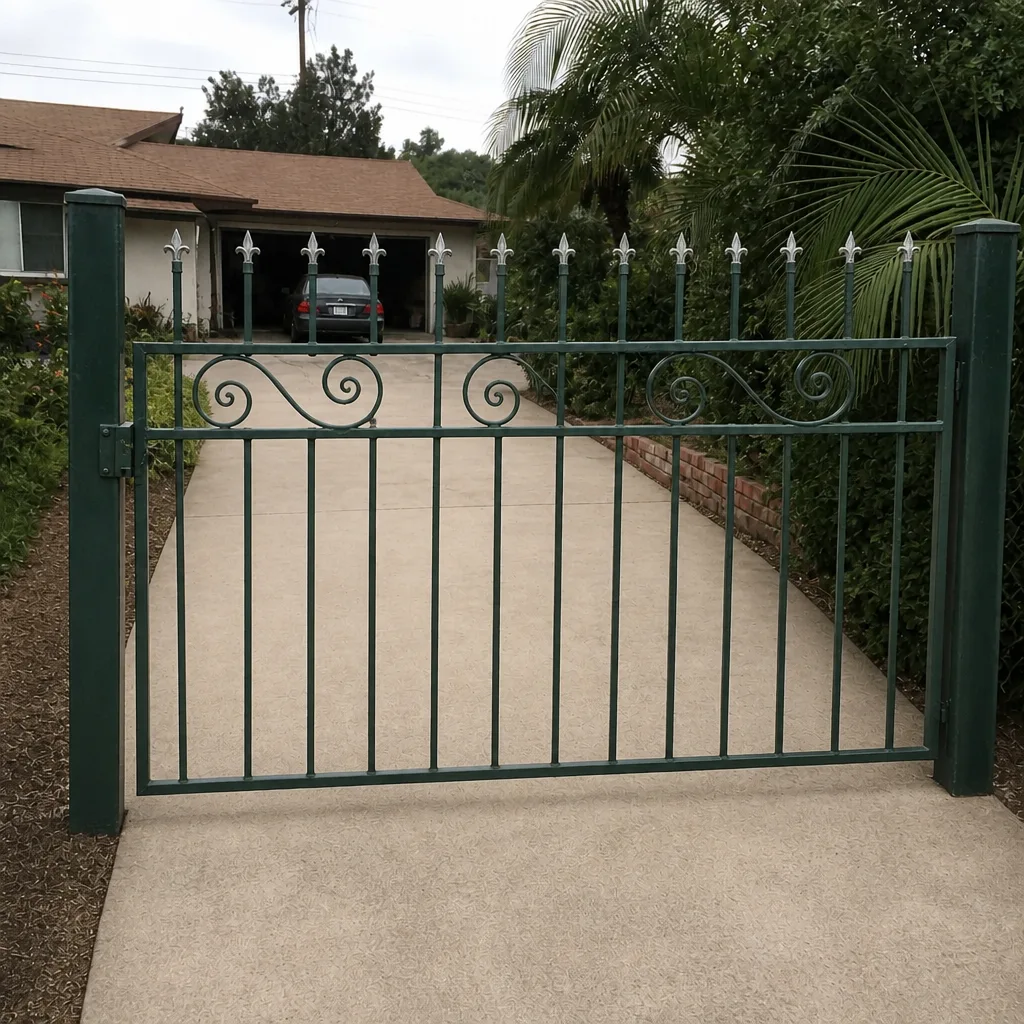 After
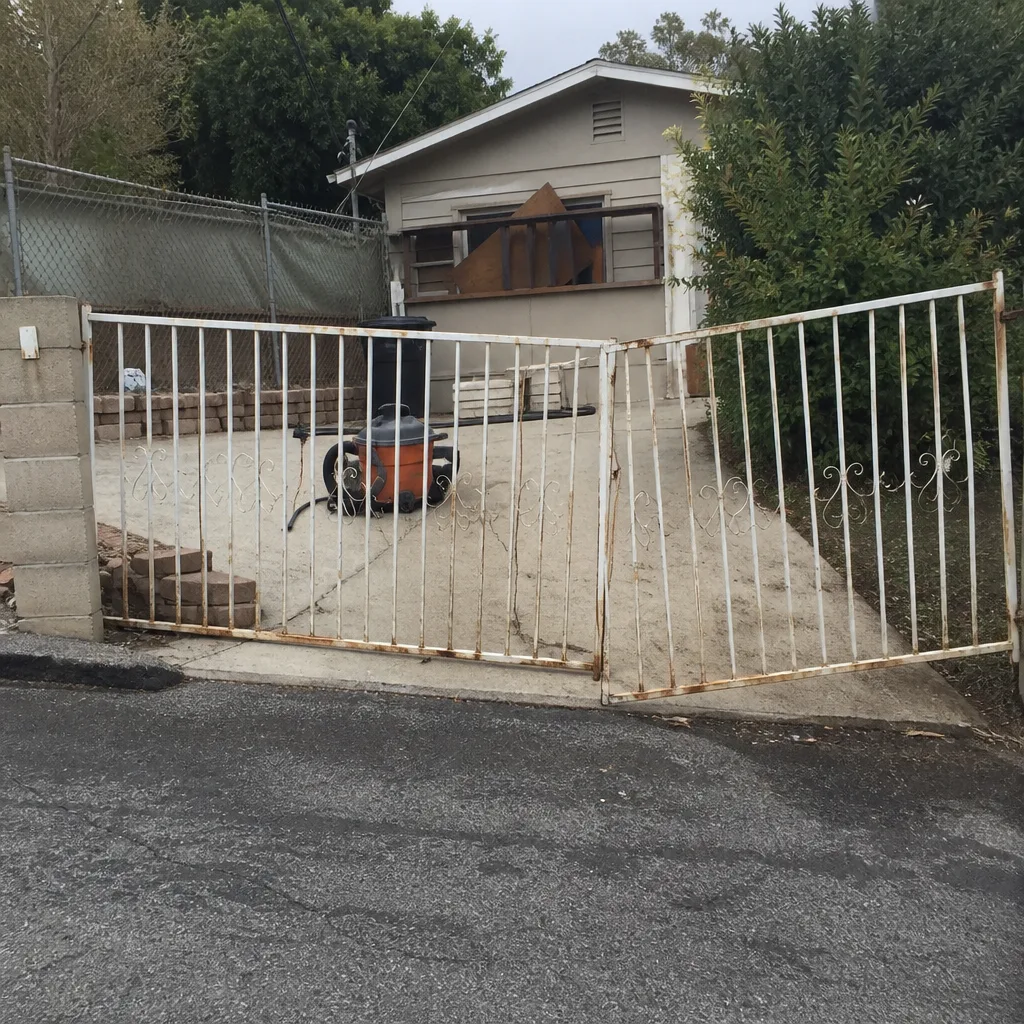 Before
 After
 Before
 After